Wire playbooks together with a site playbook
Use this when you want one entry point, ansible-playbook site.yml, that runs your playbooks in a fixed order.
Add the site playbook
Add your playbooks first. See Write a multi-play playbook.
In Build, pick Site playbook under the Configure stage.
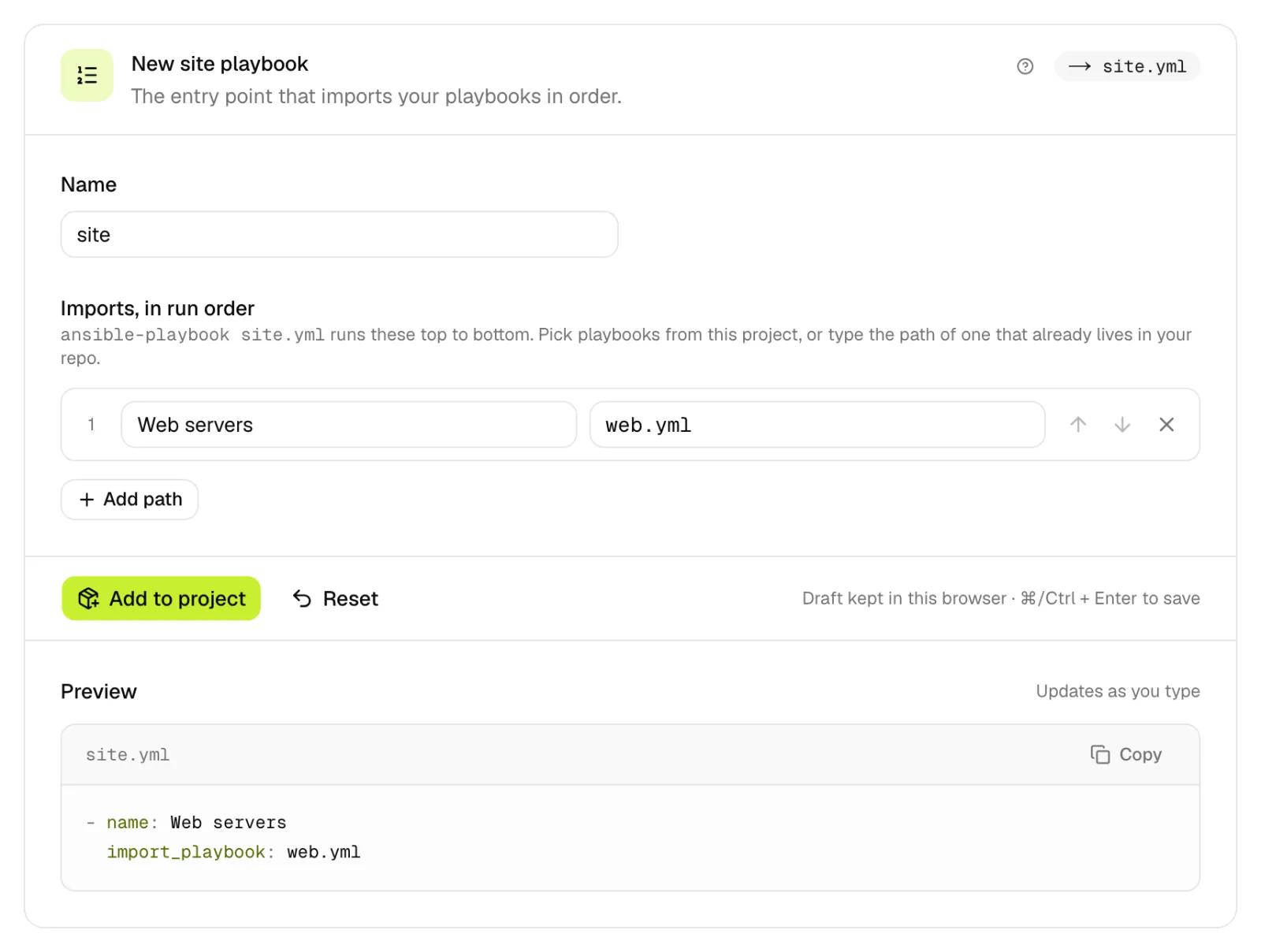
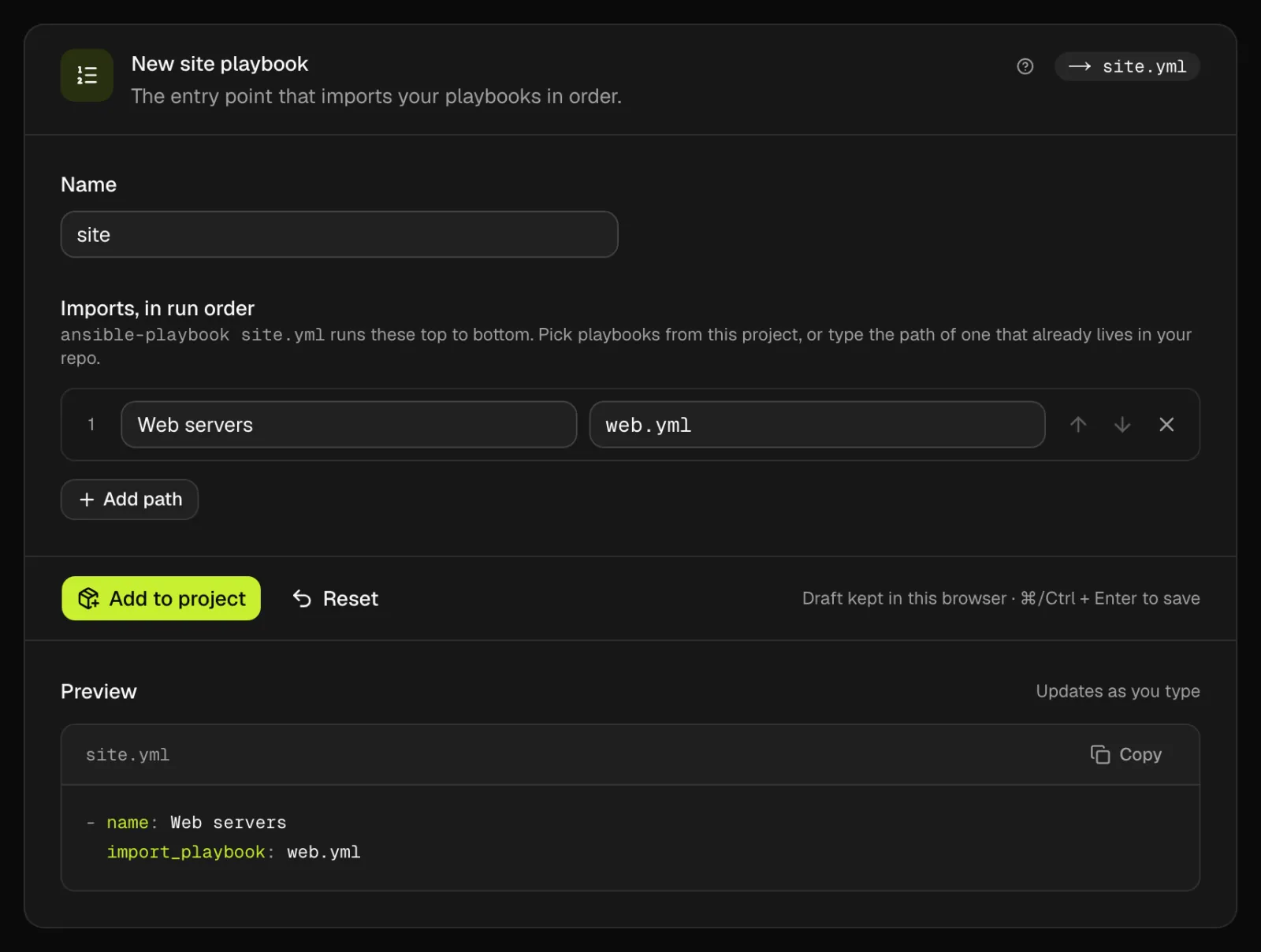
Set Name to
site. The file is written as<name>.yml.Under Imports, in run order, click each playbook listed after from this project:, or click Add all to import every one of them.
To import a playbook that already lives in your repo and that kikx doesn’t produce, click Add path. Then type a step name and the playbook’s path relative to
site.yml, for exampleplaybooks/legacy.yml.Reorder the rows with the arrows.
ansible-playbookruns them top to bottom.Click Add to project.
Checks then tells you about two things:
an import that points to a playbook this project doesn’t produce. That’s fine if the file already exists in your repo.
a playbook that no site playbook imports. It only runs if you call it directly.
Start this lesson to watch the dashboard wire playbooks together with ansible.cfg and a site playbook.
kikx add ansible/site --name site --set 'playbooks=[
  {"name": "Web tier", "path": "playbooks/web.yml"},
  {"name": "Database", "path": "playbooks/db.yml"}
]'
This writes site.yml:
- name: Web tier
  import_playbook: playbooks/web.yml
- name: Database
  import_playbook: playbooks/db.yml
Paths are relative to site.yml, which kikx writes at the root of the output directory.
The CLI doesn’t check the imports. Make sure each path points at a playbook that exists.
Point Ansible at the inventory and roles
If your playbooks sit in a subfolder such as playbooks/, Ansible looks for roles next to each playbook, not in the root roles/ folder. Add an ansible.cfg next to site.yml that points at the vendored roles and your inventory.
Pick Ansible config under the Configure stage (click Show more to reveal it), set Inventory file to your inventory, for example platform-inventory.ini, leave Roles path as roles, and click Add to project.
kikx add ansible/config --name ansible --set inventory=platform-inventory.ini
This writes ansible.cfg:
[defaults]
inventory = platform-inventory.ini
roles_path = roles
The built-in templates that contain Ansible already include it.
Run it
The project only lives in your browser until you download it. Open Export, choose Files (.zip), and unzip the file. Your files are in the output directory inside it, infra/ by default.
The files are already on disk, in the project’s output directory, infra/ by default.
Then check and run the playbooks:
cd infra
ansible-playbook site.yml --syntax-check
ansible-playbook site.yml
Run these from the directory that holds ansible.cfg. Ansible looks for it in the current directory, not next to the playbook.